Monogram Oven or Advantium Shows a Service Message
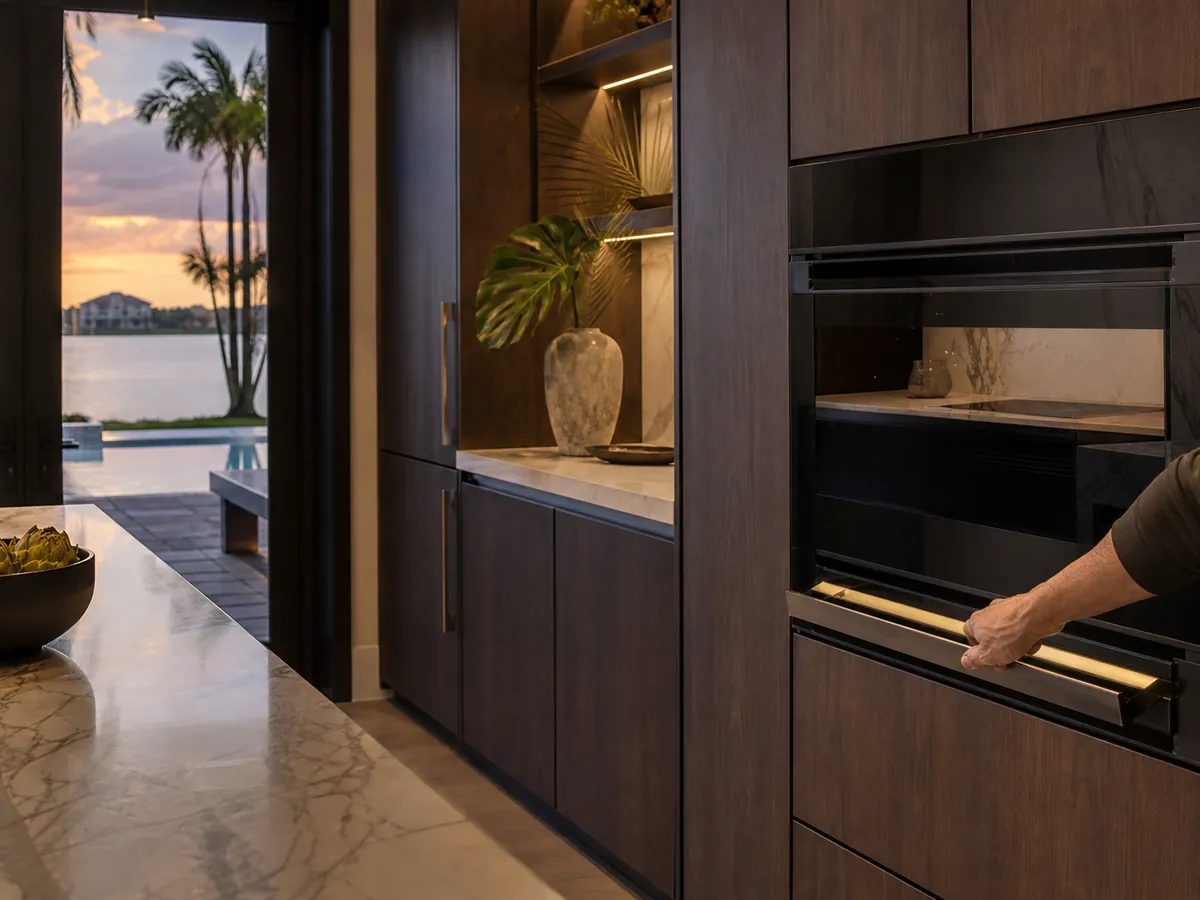
When a Monogram oven or Advantium speed oven shows a service message, stop the cooking, switch the oven off, and write down the exact wording and what you were doing. Messages about the door, humidity or temperature sensors often come from a door not closing, blocked vents or a power glitch. If the message returns after a breaker reset, call.
What is a service message, and is it urgent?
A service message is the oven telling you that a check it runs on itself did not pass, or that a sensor gave a reading outside the range the control expects. It is not always a failure. Sometimes it is a single odd reading that clears once the oven cools and power is reset.
Treat it as a prompt to stop and look, not to keep cooking. If you smell burning, see smoke or hear a buzzing from inside the cabinet, switch the breaker off at once. If you smell gas around a gas appliance nearby, leave the home and call the gas utility or 911 from outside, and do not use switches or phones inside.
Is the door the cause?
Door messages are common on a speed oven that uses microwave energy together with convection. The oven checks that the door is closed and latched before it runs, and a latch that does not seat can trigger a message or stop the cycle.
Switch the oven off and let it cool. Look at the door and its seal for a spill, a foil edge, a dish handle or a crumb trapped at the latch. Wipe the area with a soft damp cloth once the door is cool and the oven is off. Then close the door firmly and try a short, simple cycle.
Never run a microwave or speed oven empty to test it, and do not use it if the door is bent, will not close flat, or the hinges look loose. Switch off the breaker and call.
What about humidity and thermal sensor messages?
Some Monogram ovens use a humidity sensor to judge when food is done and a thermal sensor to protect the oven from overheating. Those sensors can react to steam, to a blocked vent, or to a very warm room.
Florida kitchens are warm and humid for much of the year, and a closed-up home can hold heat. Make sure the vents on the oven and any surrounding cabinet are clear, that nothing sits against them, and that the cooling fan has room to move air. Let the oven rest with the door ajar and power off for a while, then restart it.
If a message mentions a sensor and shows up right away on a cold, clear oven, the sensor, its wiring or the control board may have failed, which needs testing by a technician. Do not open the cabinet or touch wiring.
What should you write down before you call?
Good notes help a technician arrive with the right information. Keep them factual and short.
- The exact wording or code on the display, including any letters and numbers.
- What the oven was doing: preheating, cooking, in a speed mode or idle.
- Whether it followed a storm, an outage or a flicker in the lights.
- What you tried: cooling down, cleaning the door, resetting the breaker.
- Whether the message returns right away or only after a time.
The meaning of a message comes from the manual for your model, not from guesses. We read the manual for your model and test the sensor before we say what a message means.
| Message area | What it often involves | What you can check | When to call |
|---|---|---|---|
| Door message | Latch or door switch | Clean the seal, close firmly | If it returns |
| Humidity sensor | Steam, blocked vent | Clear the vents, let it dry | If it returns on a dry oven |
| Thermal or overheat | Hot room, blocked airflow | Let it cool, clear vents | If it returns after cooling |
| Message after an outage | Control interrupted | Breaker off, wait, on | If it stays |
| Sparks or buzzing | Internal electrical problem | Breaker off, stop using | Right away |
When should you call a technician?
Call when the same message comes back after the oven has cooled, the door is clean and closed, the vents are clear and the breaker has been reset. Call right away for sparks, a burning smell, a door that will not close, or a breaker that trips.
Until we arrive, leave the oven off and the breaker off if there is any smell or sound that worries you. We test the door switches, the sensors, the control board, the fans and the wiring, and we run a short test before we finish.
If you are unsure how service affects your warranty, check your warranty terms. Independent service does not by itself void a warranty.
Frequently asked questions
Can I keep using the oven if the message goes away?
If it was a one-time message after an outage and the oven now works normally, you can use it, but keep an eye on it. If the message comes back, stop and call.
Does the Advantium need special cookware?
Yes, speed ovens have rules about cookware and metal. Follow your use and care guide about what is allowed in each mode, because wrong cookware can damage the oven and cause sparks.
Why did the message appear after a storm?
A flicker or surge can interrupt the control, and a sensor may read oddly during a restart. A breaker reset often clears it, and a message that remains deserves a technician.
Is it safe to use the microwave side with a damaged door?
No. A door that is bent or does not seal can let energy escape. Stop using the oven, switch off the breaker and have the door looked at.